Overview
Help About
Resource Check
Logs & Errors
Spool Files
TDOC's Help is somewhat different to that which is normally found in a windows programme. There is no link to this manual. However the help is designed to provide assistance with resolving many problems.
All the items are accessed from the Main Menu, Help item.
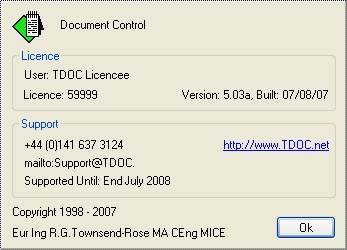
The most important information is how to get in touch with TDOC Support.
Other information is that needed by TDOC support, viz details of your licence, whether a support contract is in force, and the module in use.
The Resource Check screen is a tool to assist TDOC Support in the event of strange behaviour on your PC. It shows the status of your computer, and below the parts of the database which are currently being accessed..
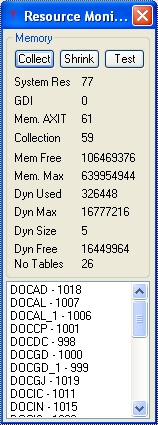
The Collect, Shrink, and Test buttons are used to evaluate the PC's memory management.
A second screen may be accessed by using the ALT + I keys. This lists all the objects and properties which TDOC has created.
There are three types of log kept by TDOC:
User Log
Please see the System Utilities Administration for more information.
Error Logs
It is hoped that TDOC System users never suffer an error. However, in the unlikely event that an Error occurs, it is essential that it be reported so that remedial action can be taken, which can take the following forms:
In order to assist with determining the cause of the problem, and thus the solution, detailed information is required. When an error occurs, an Error Log is written and a warning message is displayed as follows:

The Error Log is given a name in the form "Thhmmss.log" where hhmmss represents the time. When this warning is displayed, then:
The detail of the error can be seen by using the Detail button, and something similar to this will be displayed:
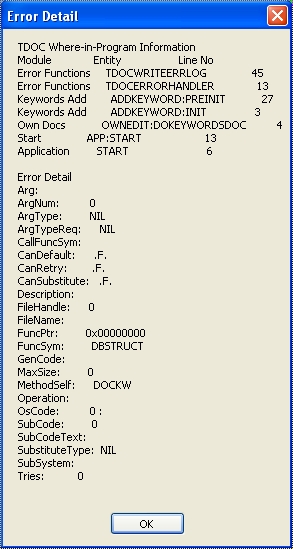
There are two parts to the detailed error information:
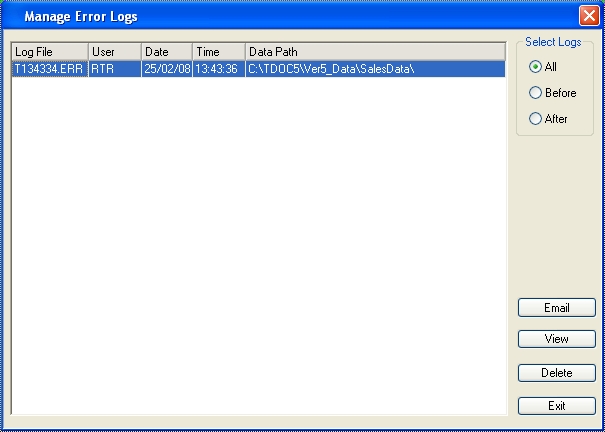
By going back into TDOC, the list of Error Logs may be viewed. The screen shown below lists the error logs which have been found on the pc. If email has been set up then a log can be emailed to TDOC Support, and once dealt with deleted.
Data Connection Log
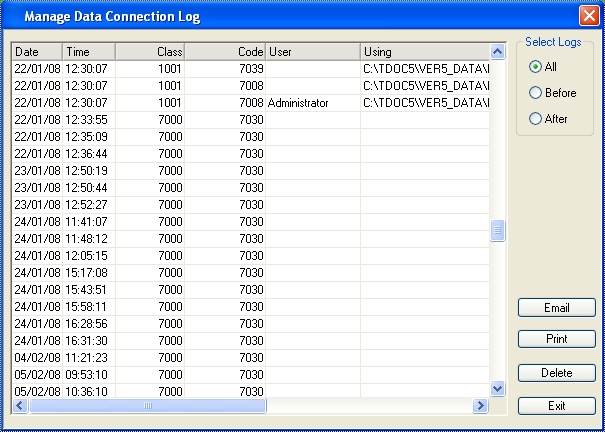
Very occasionally, there will be a problem connecting to the TDOC Database. The Connection Log may provide some information in conjunction with an Error Log, and also the User Log mentioned above. It can be printed out or emailed to TDOC Support.
There are two types of Spool File:
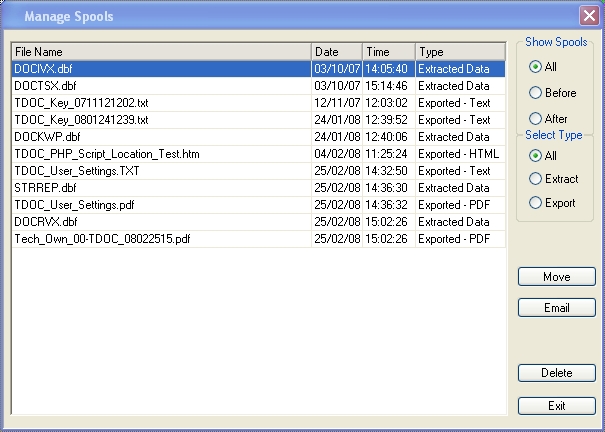
Spool files are identified in the list as shown below.
If a Spool File has been generated as a document, then it may have been moved depending on the parameters. If a Report has been generated for a particular job and emailed, then it also may have been moved.
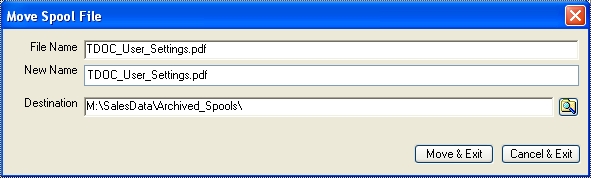
A spool file may be emailed, deleted, or moved to a directory which is then set as the Nominated Directory for Spool Files.